Google Slides Template: Modern & Corporate Presentation Design
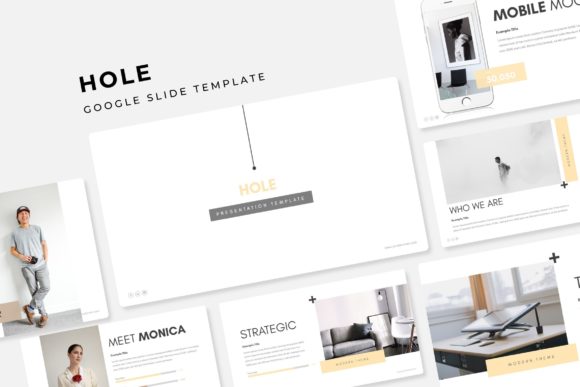
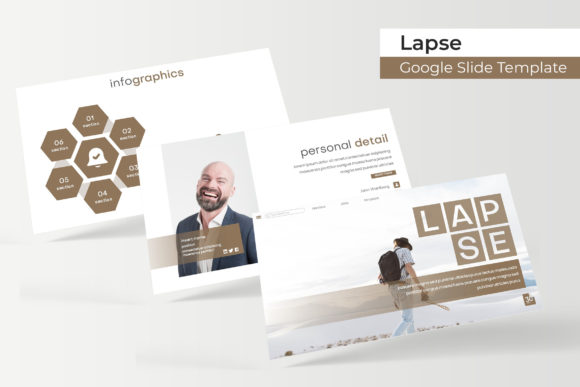
Imagine walking into your next presentation with slides that look like they were crafted by a professional design agency. That confident, polished impression starts with a powerful foundation, and a well-designed Google Slides Template can be the secret weapon in your creative arsenal. This particular template, with its clean, modern, and corporate aesthetic, offers a versatile canvas for anyone looking to communicate ideas with clarity and style. It’s not just a set of slides; it’s a complete design system built for impact.
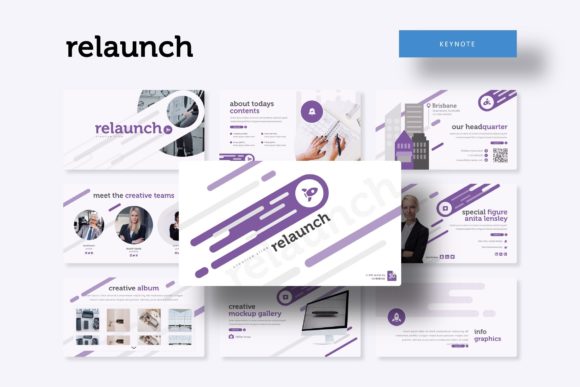
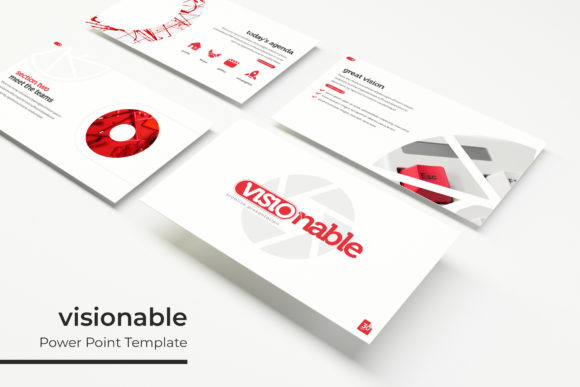
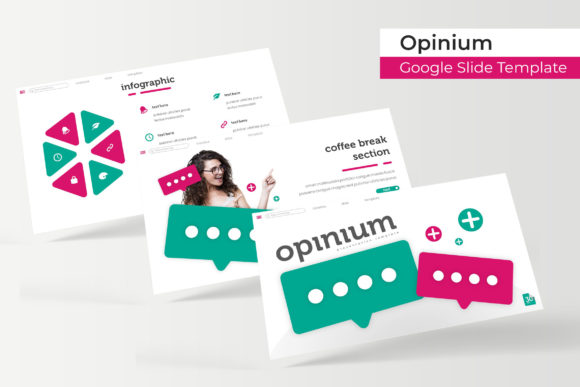
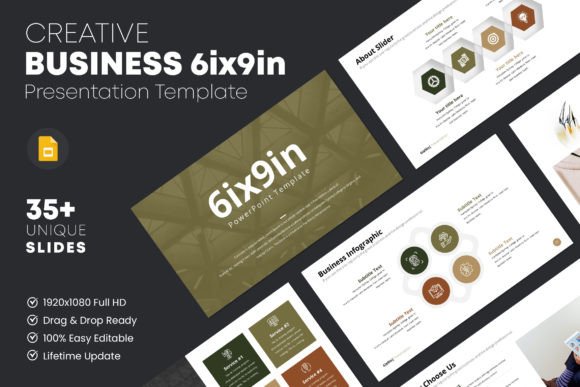
What sets this template apart is its commitment to creative flexibility and user-friendly design. Built on a 16:9 aspect ratio with a high-resolution 1920×1080 pixel canvas, every slide ensures your content looks sharp and professional on any screen. The collection features over 35 unique, gorgeous layouts, providing a wealth of options for structuring your narrative. From title slides and content-heavy pages to data visualization and image-focused spreads, the variety helps prevent repetitive designs and keeps your audience engaged.
Designed for Seamless Customization
The true value of a premium presentation template lies in its editability, and this one delivers completely. Every element is 100% customizable, allowing you to tailor colors, fonts, and shapes to match your brand identity perfectly. The drag-and-drop image placeholders make integrating your visuals effortless, while the perfectly aligned typography ensures your text always looks crisp and intentional. Using a free font, the template maintains a modern typographic standard without additional licensing costs, making it a practical design asset for both personal and commercial projects.
This template shines in numerous practical scenarios. Consider using it for:
- Corporate Pitches & Business Plans: Its clean, modern layout conveys professionalism and clarity, essential for investor meetings or internal strategy reviews.
- Marketing & Brand Presentations: Showcase campaign results, brand guidelines, or product launches with slides that feel cohesive and on-brand.
- Client Pitches & Project Proposals: Make a lasting impression with a presentation that reflects the quality and attention to detail of your work.
- Educational & Training Workshops: Organize complex information into digestible, visually appealing segments that aid learning and retention.
Tips for Choosing and Using Your Template
When selecting a template, think about the mood and tone of your project. This particular design, with its corporate and modern flair, suits topics that benefit from a sense of order, innovation, and sophistication. Before finalizing your choice, review the available slide variations to ensure they align with your content structure. A good practice is to test font pairings; while the template includes a free font, you can often substitute a premium serif or sans-serif font to better match your existing brand guidelines.
Remember, the goal of any presentation is clear communication. The right Google Slides Template acts as a powerful tool, not a distraction. It provides a visual consistency that reinforces your message and boosts brand recognition. By starting with a strong, well-designed foundation, you free up mental energy to focus on what truly matters: your story, your data, and your connection with the audience. This template offers that reliable, creative foundation, helping you transform ideas into polished, professional presentations that command attention.