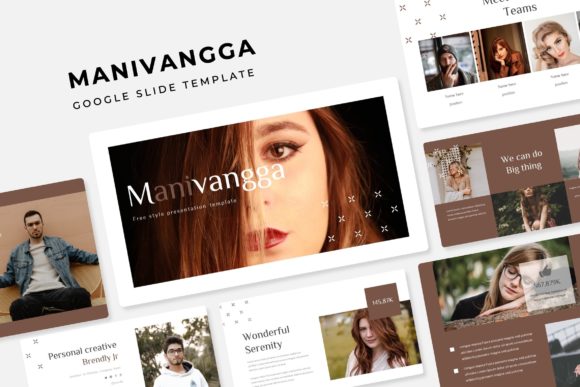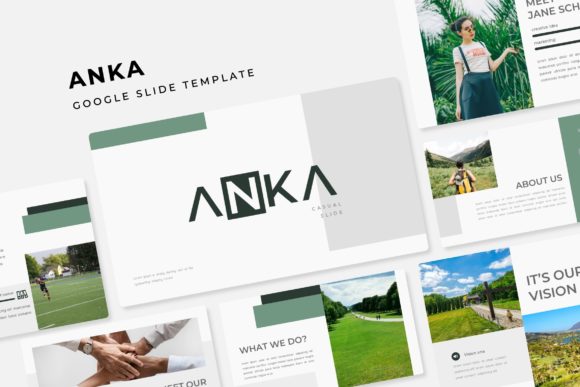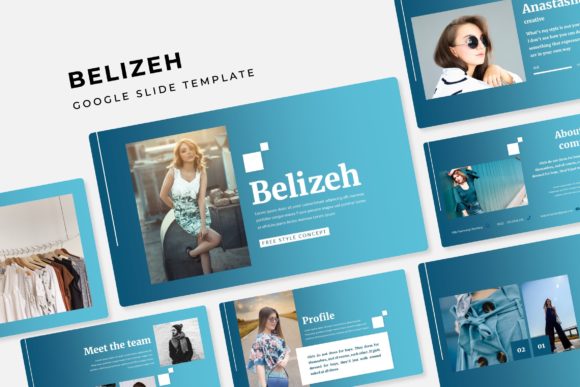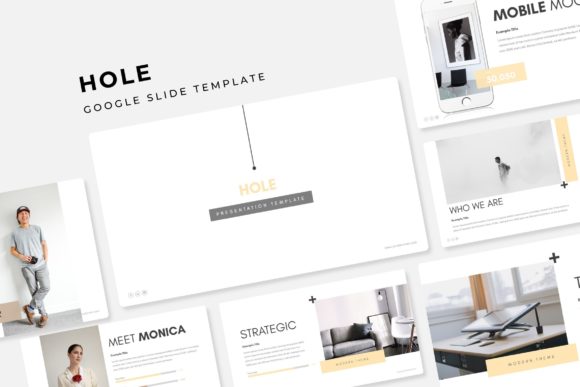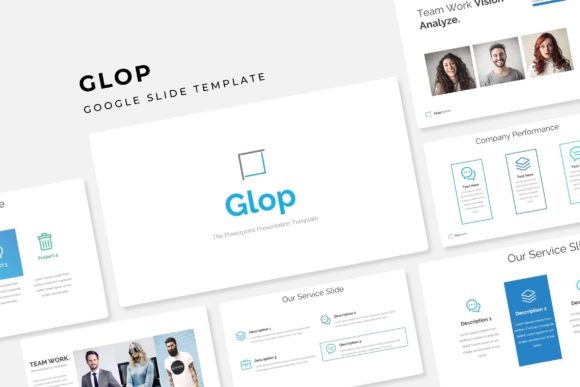
Glop Google Slide Template
Imagine opening a presentation tool and finding not just a single polished design, but a complete, ready-to-use creative system waiting for you. That's the immediate advantage of the Glop Google Slide Template. It's more than a collection of slides; it's a versatile foundation for anyone who needs to deliver ideas with visual clarity and style, whether for a client pitch, a portfolio showcase, or an internal team update.
At its core, Glop is built on the principle of creative efficiency. The package includes over 150 total slides, thoughtfully organized into five premade color schemes. Each color variation provides 30 distinct slides, giving you immediate variety without starting from scratch. This structure is a lifesaver when you need to maintain a consistent brand identity across multiple presentations or quickly adapt your visuals for different audiences or topics.
Designed for Real-World Use
The true value of a presentation template lies in how seamlessly it fits into your workflow. Glop is designed with practicality in mind. Every element is fully resizable and editable, built upon a clean master slide system. This means you can adjust layouts, swap out colors globally, and ensure every new slide you create aligns perfectly with the established design language.
Graphic placeholders make updating content effortless. The drag-and-drop functionality allows you to insert your own photographs or illustrations in seconds, while the pixel-perfect illustrations included provide a professional polish right out of the box. For those who need to break up information, the handcrafted infographic slides and dedicated section breaks help guide your audience through complex data or narratives smoothly.
Perfect for a Range of Creative Projects
While its primary home is in Google Slides, the included PowerPoint files (.PPTX) expand its utility for teams and individuals who work across different platforms. This makes it a valuable design asset for various scenarios:
- Client Presentations & Pitches: The professional gallery and portfolio slides are ideal for showcasing work, case studies, or product features in a compelling, visual way.
- Internal Reports & Strategy Decks: Use the infographic slides to transform raw data into understandable charts and timelines, making quarterly reviews more engaging.
- Educational & Workshop Materials: The clean structure and ample slide count support detailed content for lectures, training sessions, or e-learning modules.
- Personal Branding & Portfolio: Create a dynamic digital portfolio that stands out, with dedicated slides for projects, skills, and testimonials.
Tips for Getting the Most Out of Your Template
To ensure your final presentation looks its best, consider these practical tips when working with Glop or any premium template:
- Start with the Right Color Scheme: Choose the premade color that best matches the mood of your content or your existing brand palette. The consistent application of color is key to professional visual design.
- Test Your Content Early: Before committing to a full design, try populating a few key slides with your actual text and images. This helps you assess readability and flow.
- Utilize the Master Slides: If you need to make a universal change, like updating a font or adjusting a logo placement, do it on the master slide. This saves hours of manual editing and guarantees consistency.
- Pair with Complementary Fonts: While the template uses free, accessible fonts (links are included), you can elevate your design by pairing them with a complementary typeface for headings or body text to create a unique hierarchy.
Choosing a well-designed template like Glop is an investment in your communication. It removes the technical barriers of layout and design, freeing you to focus on your message. The included readme file guides you through setup, and the exclusion of preview images is a standard practice that keeps the package focused on the editable design assets themselves. Ultimately, a structured, visually coherent template helps your ideas look as polished and professional as they deserve to be, making a stronger impact on your audience every time you present.